SERVICE & MAINTENANCE · ViaCRM for industries

Service and maintenance of equipment

Service contracts and signing them, inspection reminders, faults and planning technician call-outs. For companies that look after equipment at customer sites.

Typical challenges

A service company tracks inspection dates in a spreadsheet, takes fault reports by phone and contracts are printed and signed on paper. The technician retypes the protocol in the office after the visit and the customer asks when they will arrive.

How ViaCRM helps

ViaCRM keeps customers, equipment, contracts and service visits together. Contracts are signed electronically, inspections remind themselves, faults are reported to one place and call-outs are planned by location and technician capacity.

Reference in this field

CARTEN uses ViaCRM for signing contracts, inspection reminders, recording faults and planning call-outs.

What ViaCRM can do

What ViaCRM handles in this field. The label shows what is part of ViaCRM and what connects to an external system.

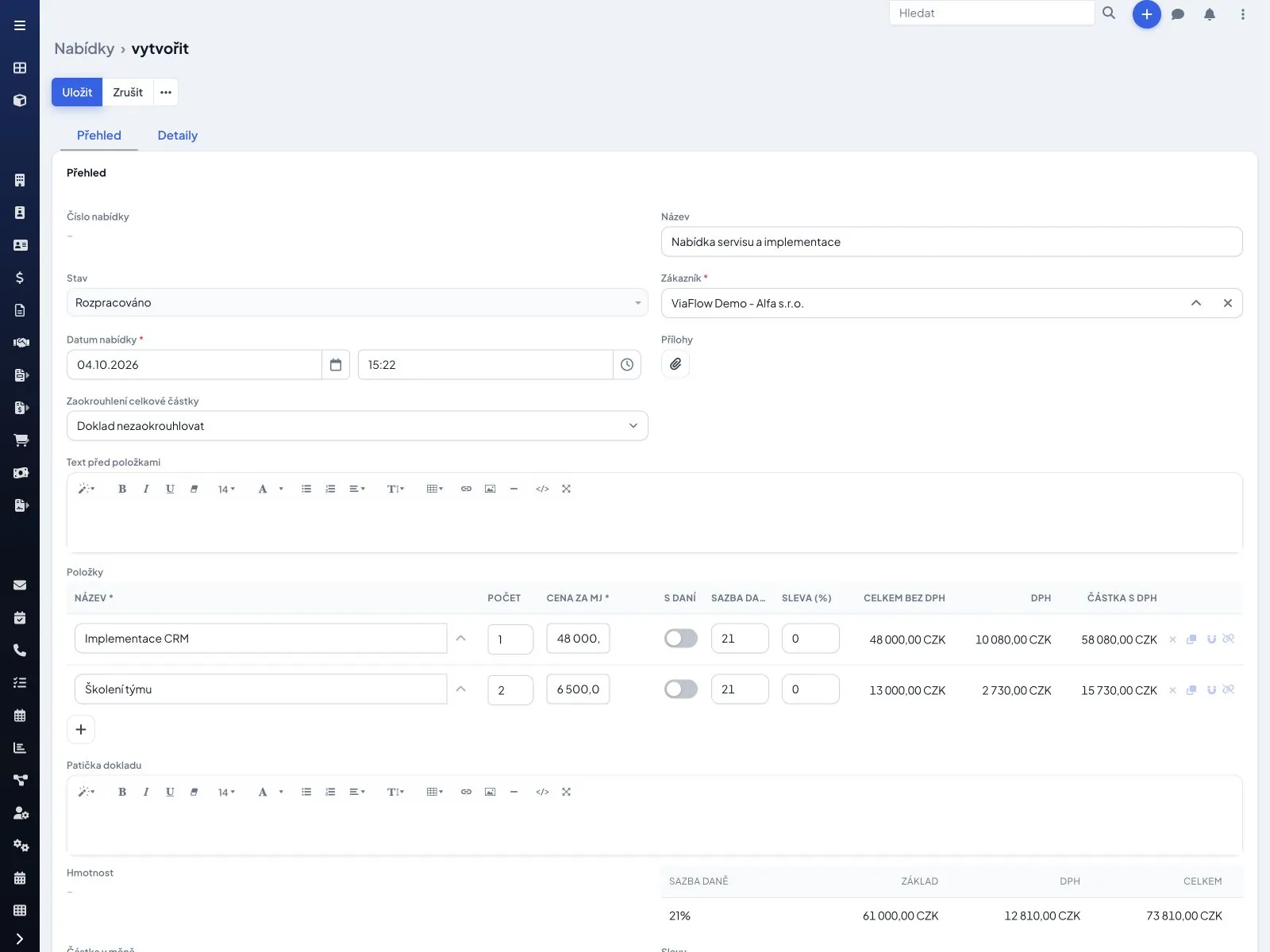
Preparing a service contract in ViaCRM

Contracts and signing

Service contracts are prepared from templates, signed electronically and their validity is tracked.

Customers, sites and equipmentIn ViaCRM
For each customer you can record sites and equipment with serial numbers, inspection deadlines, documentation and visit history.
Service contractsIn ViaCRM
A contract sets the scope, frequency of checks, response time and price. Validity is tracked and the system warns of an approaching end so the contract can be extended in time.
Contract signing in SigniSystem connection
A new service contract and addenda are prepared from a template with data from ViaCRM and sent for e-signature through Signi. The signed document returns to the contract.
Overview of faults and inspections in ViaCRM

Inspections and faults

Regular inspections remind themselves and faults are collected from the phone, e-mail and web into one overview.

Inspection remindersIn ViaCRM
Regular checks and inspections have dates planned in advance. The system alerts the customer and the service department ahead of time and creates a visit once the date is confirmed.
Fault reporting and recordsIn ViaCRM
A fault received by phone, e-mail or web form is created as a request with a priority, a responsible person and a response deadline. The customer and dispatcher see what stage it is at.
Customer portal and automatic reportingSystem connection
We can build a portal where the customer sees their contracts and equipment and reports faults. Equipment that sends a fault by e-mail or through an interface can create the fault automatically.
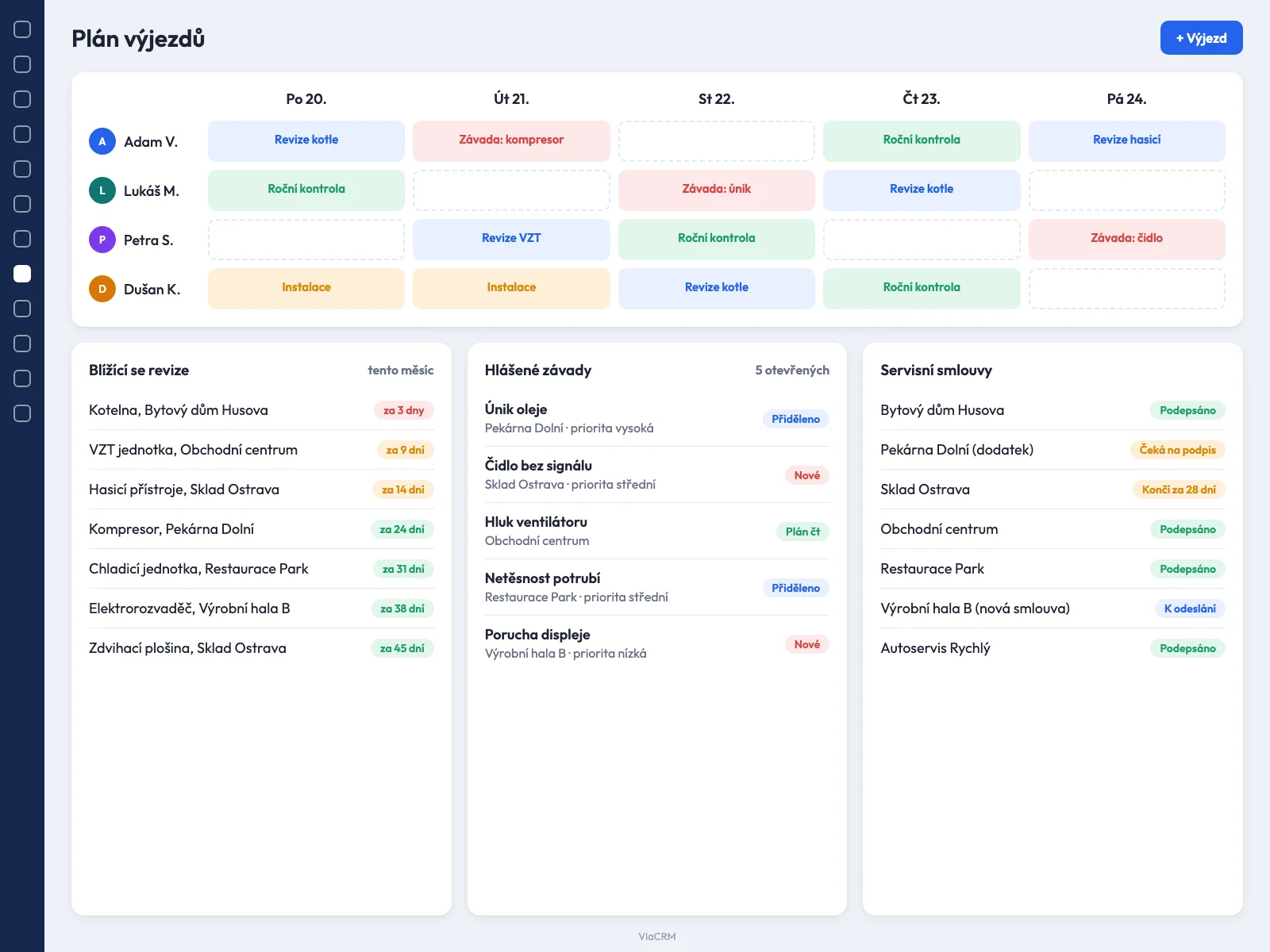
Planning technician call-outs (illustrative preview)
Illustrative preview, sample data.

Call-out planning

The dispatcher distributes visits by location and capacity and the technician takes the shortest route.

Call-out planningIn ViaCRM
The dispatcher distributes visits between technicians by location, capacity and expertise. The overview of the day and week is in the calendar and on the map.
Maps and route optimisationSystem connection
A route between visits and an estimated travel time through a map interface (for example Mapy.com), so the technician can reach more customers in a day.
Service protocol in the mobile app

Technician on site

On the phone they have the brief and the equipment history. They fill in the protocol on site and the customer signs it.

Technician mobile appIn ViaCRM
On the phone they have the brief, address, navigation, equipment history and contact. From the site they record work, photos and materials used.
Service protocol and customer signatureIn ViaCRM
The protocol is filled in on site and the customer signs it on the phone or receives it electronically. The protocol stays with the equipment and serves as a basis for invoicing.
Materials and spare partsIn ViaCRM
Materials and spare parts used are recorded on the visit and deducted from stock. Management sees the cost per job and the availability of parts.
Chat and notificationsIn ViaCRM
The dispatcher, technician and salesperson communicate on the specific visit, not in private chats.
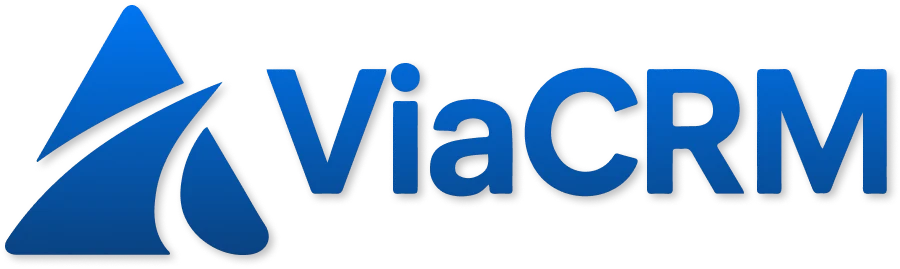
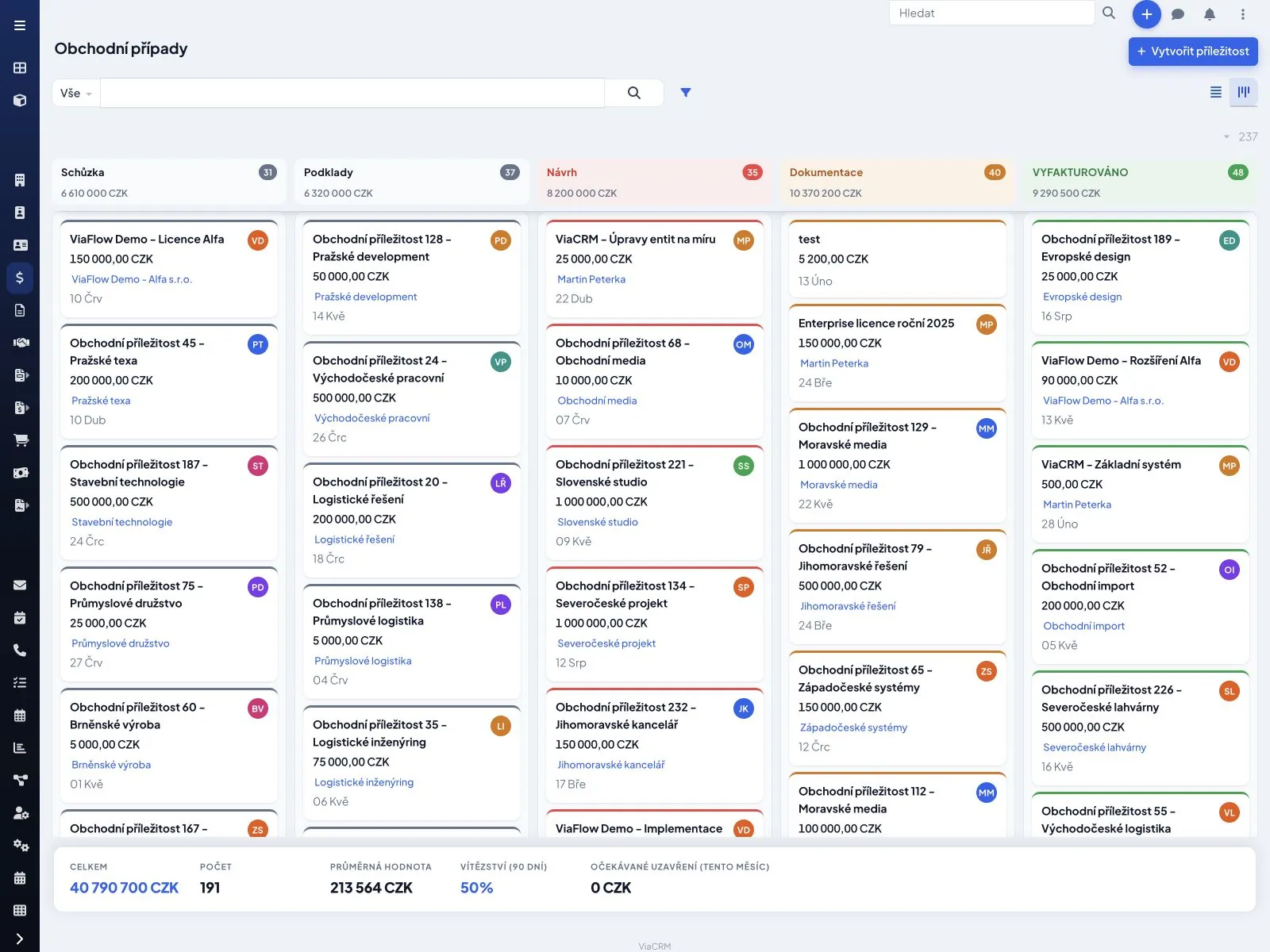
Service dashboard in ViaCRM

Invoicing and overview

Completed visits go straight to invoicing, and management sees technician workload and contract dates.

Invoicing of service workIn ViaCRM
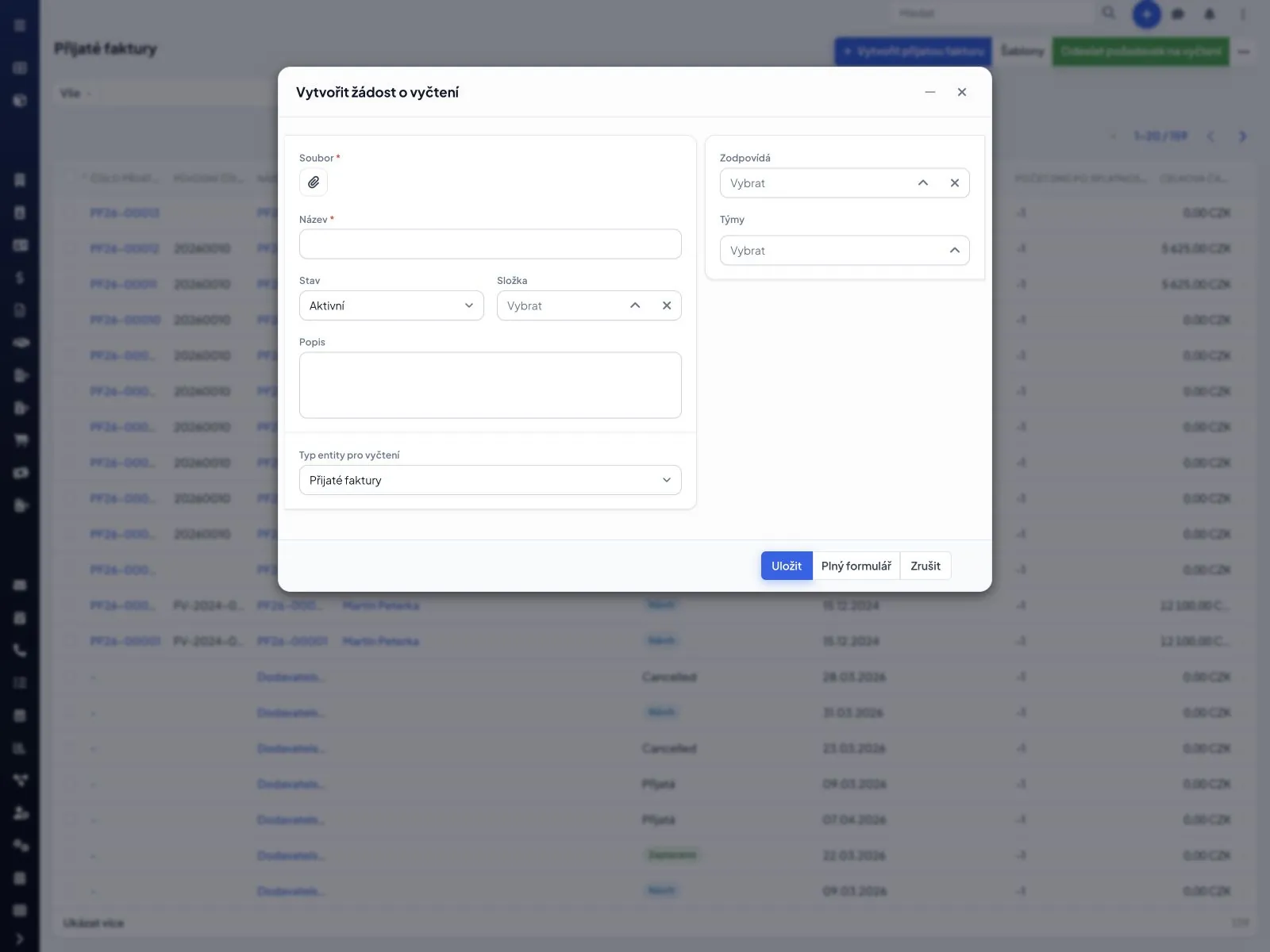
Completed visits produce the basis for invoicing including hours, travel and materials. Received supplier invoices are read by AI.
Warehouse and accountingSystem connection
Materials used and invoices can be transferred to a warehouse and accounting system through the API or to the integrated accounting from VIA ELEMENT.
Management overviewIn ViaCRM
Open faults, resolution time, technician workload, inspection dates and contracts approaching expiry.

VIA ELEMENT builds connections to external systems on top of the API. The actual scope depends on the interface the service offers and its provider's terms. We are happy to verify it with you up front.

Discuss your industry← Back to industries